PHP2Shell Explained: How to Check If Your PHP Server Is Really Patched
On October 21, the PHP team shipped emergency fixes for two critical bugs in the PHP engine itself. Researchers named the pair PHP2Shell. Within a day “PHP vulnerability” was on Google’s trending searches in the US, and for once the hype matched the risk.
This blog runs on WordPress, which runs on PHP. So I didn’t read about this one from a safe distance. I logged into my own server, checked it, and almost came to the wrong conclusion. That mistake is the most useful part of this post, so I’ll walk through it below.
What is PHP2Shell?
PHP2Shell is the nickname for two vulnerabilities, CVE-2026-109618 and CVE-2026-109619. Both are rated 9.2 (Critical). They were found by Wiz Research, with Calif, OpenAI and Quarkslab involved in discovery and disclosure.
The two bugs in plain English
Both come down to the same weak spot: what PHP does when a request crashes halfway through, especially when it runs out of memory.
- CVE-2026-109618: an attacker can force PHP to run out of memory while it’s still setting up a request. The cleanup code then trusts data that was never properly initialized.
- CVE-2026-109619: leftover state from a crashed request can survive in the worker process. The next request handled by that worker may use it before it gets reset.
Put together, that can mean remote code execution without logging in, or reading other requests’ memory. Wiz says that memory can include passwords, session tokens and API keys.
Which PHP versions are affected?
| PHP branch | Fixed upstream in | Notes |
|---|---|---|
| 8.5 | 8.5.12 | Update now |
| 8.4 | 8.4.27 | Update now |
| 8.3 | 8.3.36 | Update now |
| 8.2 | 8.2.35 | Update now |
| 8.1 and older | No upstream fix | End of life. Upgrade, or rely on your Linux vendor’s patches |
The affected range goes all the way back to PHP 5.4. If your site was built in the last ten years and hasn’t been updated this week, assume it’s exposed until you’ve checked.
Why this is bigger than the usual PHP bug
The flaw is in PHP itself, not your plugins
Most WordPress security news is about a plugin or theme. Remove the plugin and you’re done. This time the problem sits underneath everything. Wiz showed pre-authentication code execution against the latest official WordPress, Drupal and Joomla container images, and pointed out that even a plain “Hello World” PHP app can be vulnerable. Clean code doesn’t protect you.
Attacks started before the patch was public
This part surprised me the most. Amazon’s threat intelligence team says its honeypots caught a PHP2Shell exploitation attempt on October 17, four days before the disclosure. After the patch landed, more proof-of-concept exploits appeared within hours.
Arctic Wolf has since reported wide-scale scanning and attempts to download a second-stage payload tied to a Mirai-style botnet. So this isn’t a “patch when you get around to it” situation. The bots are already knocking.
AI changed how fast bugs like this get weaponized
The bug itself is old. What’s new is how quickly it was turned into a working exploit. Wiz says it used frontier AI models to chain the flaws and adapt the exploit to different setups in hours, work that used to take specialists far longer. I think that’s the real story. The gap between “patch released” and “exploit in the wild” used to be days or weeks. It’s starting to look like hours.
How I checked my own server (and almost got it wrong)
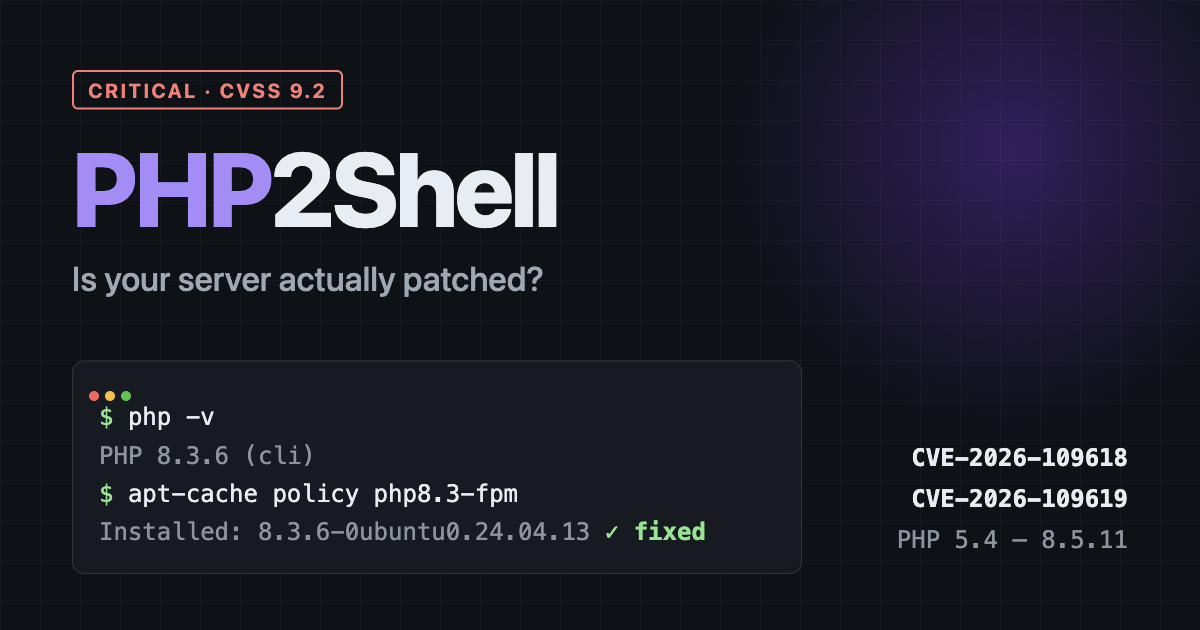
My server runs Ubuntu 24.04 with PHP 8.3 and PHP-FPM. The first thing I did was run the obvious command.
$ php -v
PHP 8.3.6 (cli)
8.3.6. The fixed version is 8.3.36. For a second I was sure my server was wide open.
Why the version number can mislead you
It wasn’t. Ubuntu, Debian and Red Hat don’t usually jump to the newest PHP release. They keep the same base version and backport the security fixes into their own builds. So php -v shows the base version and tells you nothing about which patches are inside.
What matters is the full package version:
$ apt-cache policy php8.3-fpm
php8.3-fpm:
  Installed: 8.3.6-0ubuntu0.24.04.13
Ubuntu’s CVE page for CVE-2026-109618 lists 8.3.6-0ubuntu0.24.04.13 as the fixed build for 24.04. Mine matched. I’d built this server the day after the disclosure, so it pulled the patched package from the start. Honestly, that was luck, not skill.
This trap cuts both ways. Some people will see 8.3.6, panic, and break their server trying to force-install a newer PHP from a random source. Others will see a big number on a container image and assume they’re fine. Check the package version against your vendor’s advisory, not the PHP release notes.
Where to look, depending on your setup
| Your setup | What to check |
|---|---|
| Ubuntu / Debian | apt-cache policy php8.x-fpm, then compare with the Ubuntu CVE page or the Debian security tracker |
| RHEL / AlmaLinux / Rocky | rpm -q --changelog php | grep CVE-2026-109618 after updating |
Official Docker php or wordpress images | These follow upstream, so php -v should show 8.2.35, 8.3.36, 8.4.27 or 8.5.12 or newer. Pull fresh images and redeploy |
| Shared or managed hosting | Your host’s status page or support. You can’t patch PHP yourself here |
What to do right now
If you run your own server
- Install the updates:
sudo apt update && sudo apt upgrade(orsudo dnf update 'php*'on RHEL-type systems). - Make sure PHP actually restarted. Updated files on disk don’t help if the old PHP-FPM workers are still running. Run
sudo systemctl restart php8.3-fpm(adjust the version). If you use Apache with mod_php, restart Apache. - Confirm the installed package version matches the fixed version in your vendor’s advisory.
If you use Apache with mod_php, do this first. The PHP security team considers that setup the highest risk, because the confirmed attack works before your application code even starts. PHP-FPM isn’t safe either. It’s just harder to exploit.
If you’re on shared or managed hosting
Most big hosts patch PHP for you. But “most” isn’t a guarantee, and a lot of cheap hosting still runs old PHP versions. If your host hasn’t posted anything about PHP2Shell by now, open a ticket and ask directly: “Is the PHP version on my account patched for CVE-2026-109618 and CVE-2026-109619?” A good host will answer that in one line.
While you’re in the dashboard, check which PHP version your site uses. If it’s 8.1 or older, upgrade to 8.2 or newer. Your plugins will probably be fine, and upstream won’t fix those old versions.
If you can’t patch today
- Put a WAF in front of the site. Cloudflare, Google Cloud Armor and other providers have pushed rules for PHP2Shell. It buys time but doesn’t fix the hole.
- Keep request size limits tight. The attacks use oversized or unusual multipart requests to push PHP into running out of memory. Keep
post_max_sizeand your web server’s body size limit as low as your site allows. - Know the official workaround’s catch. PHP’s advisory says setting
memory_limit=-1is the main configuration workaround for CVE-2026-109618. It removes a per-request memory cap, so one heavy request can eat the whole server. I’d treat it as a last resort for a few hours, not a plan.
Quick answers
Is WordPress affected by PHP2Shell?
Yes, but not because of WordPress code. Any WordPress site on an unpatched PHP version is exposed. Updating WordPress core or plugins won’t fix it. Updating PHP will.
Does a firewall or security plugin protect me?
A network WAF can block known attack patterns, and that helps. A WordPress security plugin runs inside PHP, and some of these attacks hit before any plugin loads. Neither one replaces the patch.
How do I know if I was already hacked?
There’s no single sign. Look for PHP files you didn’t create (especially in wp-content/uploads), new admin users, odd outbound connections, and access logs with large multipart POST requests from unknown IPs since mid-October. If the server was exposed for days, change your database password, API keys and WordPress salts after patching, since memory leaks may have exposed them.
Is there a scanner I can run?
Searchlight Cyber released an open-source tool called php2shell-scanner that tests whether a host is exposed. Only point it at servers you own.
The short version
PHP2Shell lets attackers take over unpatched PHP servers, and it’s already being exploited. Update PHP, restart PHP-FPM or Apache, and confirm your vendor’s package version instead of trusting php -v.